

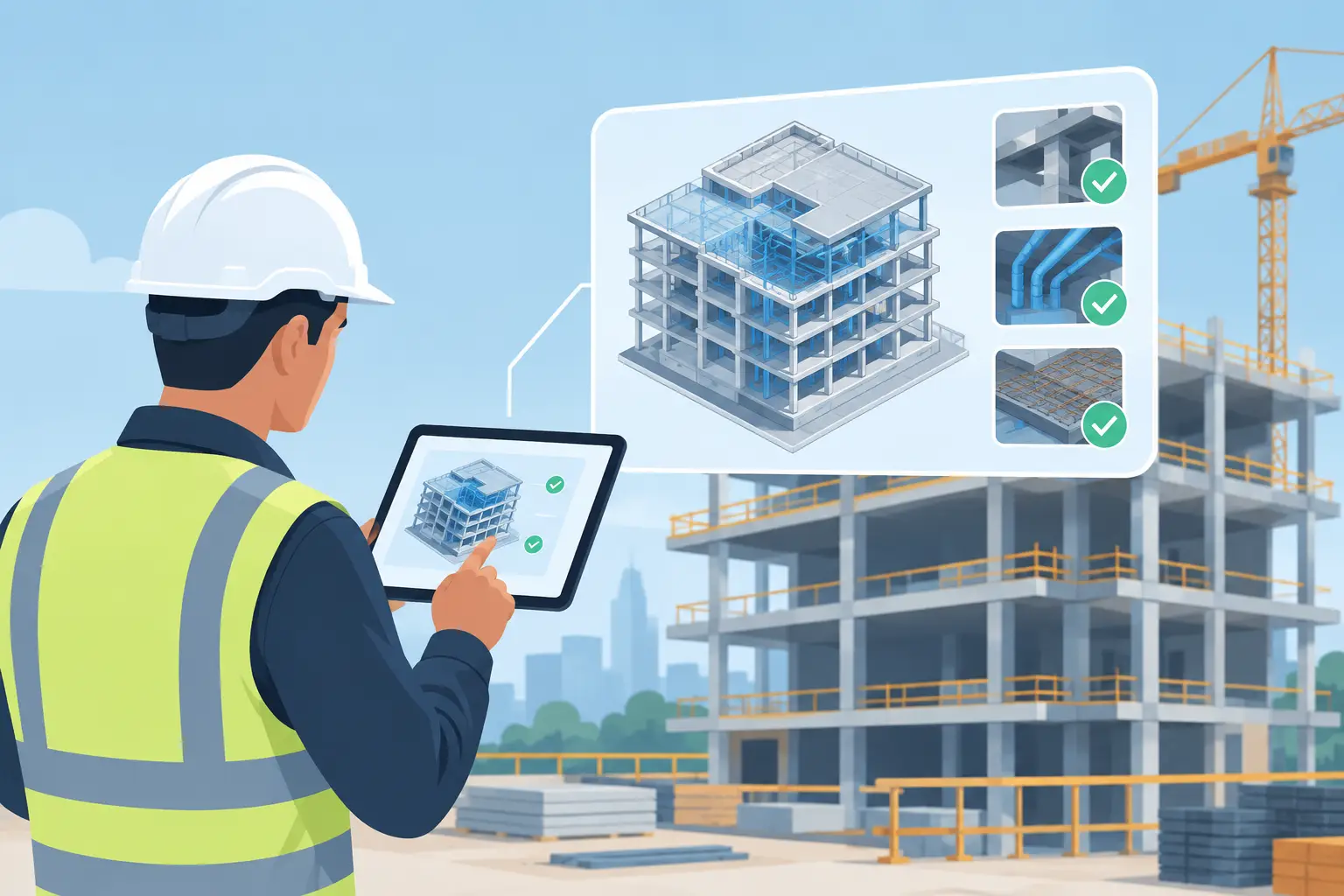
A site inspector standing beside a completed concrete pour should not have to search through drawings, email chains, and paper forms to confirm what was approved, what was observed, and what requires follow-up. The practical question is: can BIM models support inspections in a way that improves field control rather than adding another system for project teams to manage? Yes, but only when the model is connected to a disciplined inspection and document-control process.
For construction and infrastructure projects, BIM is most valuable during inspections when it provides clear asset context, current design information, and a structured path from field observation to corrective action and final record. A model alone is not an inspection system. Used with mobile forms, workflows, controlled documents, photographs, and audit trails, however, it can become a reliable part of digital works supervision.
Can BIM Models Support Inspections Throughout Construction?
BIM models can support inspections at several points in the construction lifecycle. Before an inspection, the model helps the team understand the intended location, component, elevation, material, and interface conditions. During the inspection, it can give an inspector a visual reference for the exact work area. Afterward, it can link inspection records, photos, nonconformance reports, and approvals to the relevant object or location.
This is particularly useful on projects with repeated assets and complex interfaces: stations, bridges, tunnels, utility corridors, treatment facilities, and large building developments. When a defect is recorded against a recognizable model element or defined spatial zone, project teams spend less time interpreting vague references such as “near Grid B” or “level three east side.”
The benefit is not simply visualization. It is traceability. A properly managed process can show which inspection was performed, by whom, against which approved requirement, at what time, with what evidence, and how the issue was closed.
What the Model Adds to a Field Inspection
A BIM model can provide a common visual reference between contractors, consultants, client representatives, and quality teams. Inspectors can review the relevant construction sequence or access zone before visiting the work face. They can identify elements that require hold-point checks, verify that installed work corresponds with the approved design intent, and attach observations to a defined location.
For example, an inspection of reinforcement before concrete placement may require reference to the latest approved drawings, method statement, inspection and test plan, material certificates, and prior comments. The model can identify the structural element under review. The inspection platform and electronic document management system should then present or control the associated records.
This distinction matters. The model describes and locates the work. The controlled workflow establishes whether the inspection has been properly requested, reviewed, accepted, rejected, or closed.
A BIM Model Is Not a Substitute for Inspection Control
Project teams sometimes assume that a detailed model will automatically create a better inspection process. It will not. A model may be geometrically accurate while the field record is incomplete, the document revision is uncontrolled, or corrective actions remain open without clear ownership.
An inspection-ready environment needs defined business rules. Inspection types, checklists, responsible parties, approval routes, response periods, and closeout requirements should be configured around the contract and the project’s quality procedures. The system must also protect record integrity by preserving timestamps, user actions, revisions, attachments, and approval history.
Without these controls, linking a photo or issue marker to a model can still leave an organization with an attractive but weak record. This creates risk during handover, dispute review, internal audit, or regulatory examination.
A dependable approach separates the roles clearly. BIM provides context and coordination. A digital works supervision system manages inspection workflows. An EDMS controls the supporting documents and official records. Integration allows users to move between these functions without losing the relationship between the asset, the inspection event, and the approved evidence.
How BIM-Enabled Inspection Workflows Operate
The most effective workflow begins before the inspector arrives on site. The contractor raises an inspection request through a controlled digital process, selecting the relevant work package, location, and inspection category. Required documents can be checked against the request, including the latest approved drawing, method statement, test records, and previous inspection status.
At the work location, the inspector uses a mobile device or field-ready interface to review the request and record findings. Where BIM integration is available, the inspector can open the related model view or spatial reference to confirm the component or zone. Photographs, comments, measurements, and checklist responses are captured as evidence rather than entered later from memory.
If work does not meet the stated requirement, the system should issue a controlled action or nonconformance record. The responsible party receives the item, submits corrective evidence, and requests reinspection where necessary. Closure should require the appropriate review and leave a complete audit trail.
The completed inspection record can then be retained with the project’s formal documentation. At handover, the owner receives more than a model file. They receive a defensible record of how critical work was inspected, accepted, corrected, and verified.
The Value of Location-Based Records
Location-based records reduce ambiguity, especially where several crews are working across large sites. Rather than relying only on document numbers or narrative descriptions, an inspection can be associated with a model object, floor, chainage range, room, structure, or geographic zone.
This supports faster issue resolution because supervisors can see the exact area involved. It also assists trend analysis. If recurring observations are linked to asset types or locations, project managers can identify patterns in workmanship, sequencing, subcontractor performance, or design coordination.
There is a practical limit. Not every inspection needs object-level model tagging. For simple activities, a work package and location code may provide sufficient control. Requiring detailed BIM selection for every minor check can slow field adoption and create unnecessary administrative effort. The right level of model integration depends on project scale, model maturity, connectivity on site, and the inspection risk involved.
What Must Be in Place Before Deployment
BIM-enabled inspections perform best when implementation is planned as an operational change, not treated as a software activation. The project should first define the inspection register, classification structure, document naming rules, approval matrix, and retention requirements. These decisions determine whether data remains useful after the construction phase.
Teams also need confidence that the information presented in the field is current. Model versions, drawings, specifications, and method statements must be managed through formal revision control. If an inspector views an outdated model or superseded drawing, digital delivery has increased the risk rather than reduced it.
Training is equally important. Inspectors should not need advanced modeling skills to conduct routine site checks. Their interface should focus on the inspection task: find the assigned request, confirm the location, complete the checklist, capture evidence, and route the result. BIM navigation can be available where it adds value, while the workflow remains straightforward for daily use.
Organizations should also plan for offline or low-connectivity conditions. Infrastructure work often takes place in basements, tunnels, remote areas, or partially completed structures where network access is limited. A field solution must account for how records are captured, synchronized, and protected when connectivity is interrupted.
Selecting the Right Technology Approach
The strongest technology approach connects BIM capability with document control and supervision workflows rather than forcing teams to switch between disconnected applications. It should support configurable inspection forms, role-based permissions, mobile evidence capture, workflow notifications, document revision control, dashboards, and searchable audit records.
Integration should be purposeful. A project does not need every model property exposed to every user. It needs a dependable way to connect inspection activities with relevant assets, locations, documents, and evidence. Clear configuration is usually more valuable than excessive complexity.
For organizations operating under formal works supervision requirements, the platform should also be configured to reflect contractual procedures and applicable government or client standards. InnoShare DWSS 2.0 is designed around this practical requirement: bringing digital supervision, inspection records, controlled workflows, and enterprise document management into an implementation-led environment.
The vendor’s delivery capability matters as much as the software. Site processes vary by contract, discipline, approval hierarchy, and client requirement. Planning, configuration, in-site training, integration, and ongoing maintenance determine whether the solution becomes part of daily control or is bypassed when project pressure increases.
Build the Record While the Work Is Visible
The best time to create a complete inspection record is when the work, evidence, responsible personnel, and design context are still available to the project team. BIM can make that record easier to locate and understand, but disciplined workflows make it credible. Start with the inspections that carry the greatest quality, safety, compliance, or handover risk, then expand the process once field teams can see that digital control reduces rework instead of adding paperwork.
Comments are closed.